Explore top 10 tips to secure your open-source projects now. Read More
×


Linux Systems Running Wireshark May Be Exposed to Remote Attacks
 May 06, 2026
•
May 06, 2026
•
 MaK Ulac
3 - 6 min read

Topics Covered
Wireshark is one of those tools Linux teams quietly depend on everywhere: SOC pipelines, packet capture nodes, incident response systems, and long-running forensic environments. That’s what makes the newly disclosed vulnerabilities in Wireshark 4.6.5 more serious than a routine software update.
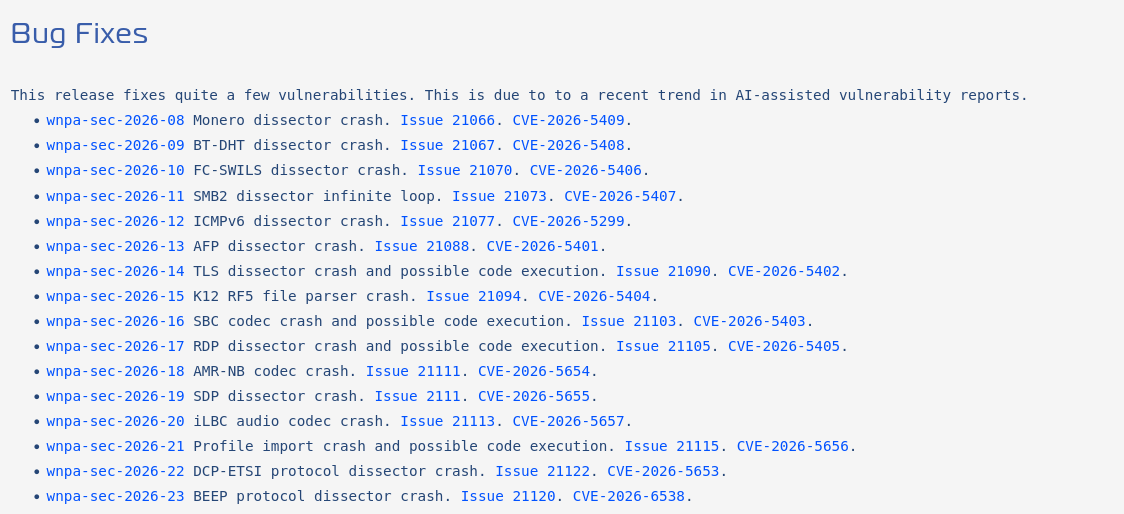
The release fixes more than 40 security flaws, including remote code execution (RCE), denial-of-service conditions, infinite loops, and decompression bugs affecting multiple protocol dissectors.
For Linux administrators running Wireshark or tshark in production analysis environments, delaying this patch creates unnecessary exposure on systems that often already have elevated network visibility and capture permissions.
What Happens When Systems Get Exploited?
The immediate problem isn’t just that Wireshark crashes. Wireshark sits deep inside monitoring and triage workflows. When dissectors lock up, crash, or start chewing through CPU cycles, analysts lose visibility exactly when traffic volume or investigation pressure is already high.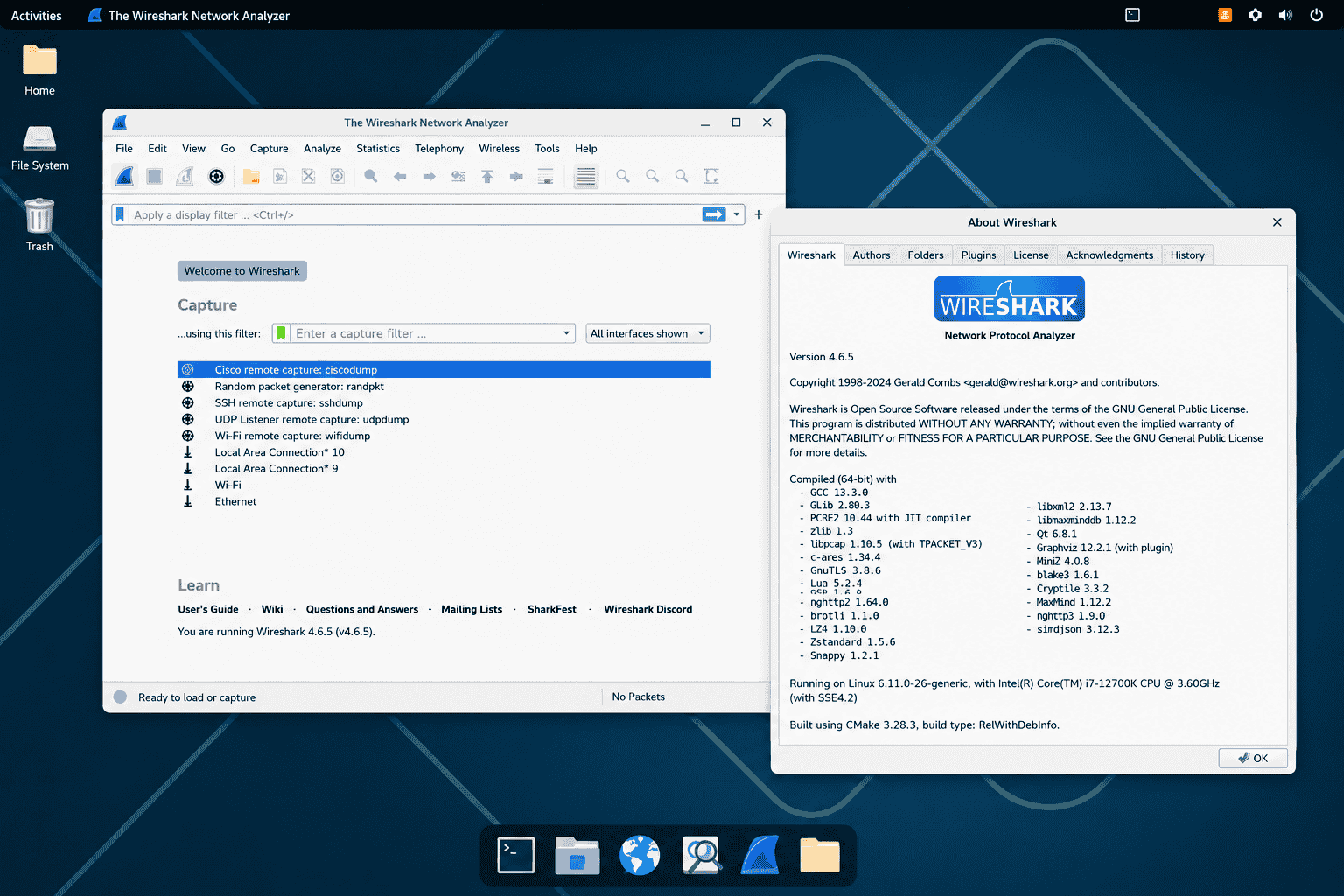
Some of the flaws trigger infinite parsing loops that never fully resolve malformed packets. Others corrupt memory hard enough to kill the process outright. On standalone analyst workstations, that usually means lost sessions and delayed inspection. Inside larger capture environments, though, the impact spreads further. Queues back up, packet drops increase, forensic timelines get gaps, and automated alerting pipelines start operating on incomplete data.
The remote code execution cases are the more dangerous category because they shift the risk model entirely. A packet analysis system is normally treated as trusted infrastructure. It ingests internal traffic, sees sensitive protocols, and often has broad network access for visibility purposes. If malformed traffic can compromise that system directly, the monitoring layer itself becomes another pivot point inside the environment.
That changes containment priorities fast. A compromised capture node is no longer just blind. It can potentially be used for lateral movement, traffic manipulation, credential collection, or staging follow-on attacks against systems that assume the sensor is trustworthy. In environments handling enterprise telemetry or incident response data, that’s a serious escalation path even if the original exploit starts with something as small as a crafted packet stream.
Why This Matters for Linux Systems
In most enterprise setups, these tools don’t sit on laptops. They run on Linux boxes tied into pipelines, feeding SIEMs, enriching alerts, sometimes running unattended for days.
That changes the blast radius. A crash is annoying. An infinite loop quietly eating CPU across a capture node is worse. And Remote code execution (RCE) on a box that already has visibility into network traffic, often running with elevated capture permissions, that’s where it stops being a tooling issue and starts looking like lateral movement prep.
What Are the Risks?
The issues cluster into a few buckets. Different failure modes, same entry point, packet parsing under load, or malformed input.
1. Remote Code Execution (RCE)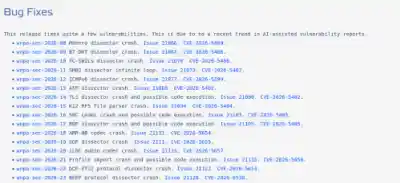
This is the part that matters most, even if it’s not the majority of bugs. A few key components handle complex protocol logic, and that’s where things tend to break in ways that aren’t just crashes.
Affected components include TLS Dissector (CVE-2026-5402), SBC Codec (CVE-2026-5403), RDP Dissector (CVE-2026-5405), and Profile Import (CVE-2026-5656). These aren’t edge protocols either, they show up in normal traffic, which makes filtering your way out of risk unrealistic once capture is already happening at scale.
2. Denial of Service (DoS) and System Hangs
Most of the issues fall into this category. Not about taking over the system, more about making the tool stop working the way it should.
In simple terms, this is a denial of service. Wireshark either crashes and stops, or it keeps running but gets stuck processing a packet and never completes it, so it can’t move on to the rest of the traffic.
Dissector crashes affect more than 20 protocols, including Monero, ICMPv6, HTTP, and MySQL (CVE-2026-5299 through CVE-2026-6870). When this happens, the capture process can exit without warning, leaving gaps in data or incomplete analysis.
The loop issues behave differently. Protocols like SMB2 and OpenFlow (CVE-2026-5407, CVE-2026-6521) can trap the process in a cycle where it keeps using CPU but doesn’t produce results, which slows everything down and, over time, can block other analysis tasks that depend on it.
3. Core Engine Decompression Flaws
This sits a bit lower in the stack, but it cuts across multiple protocols. Compression handling tends to be reused, so one flaw propagates further than expected.
zlib and LZ77 issues (CVE-2026-6535, CVE-2026-6533) can corrupt decompression flows and break parsing in ways that aren’t always obvious in logs, sometimes showing up as partial decodes, sometimes as full pipeline failures, depending on how the data flows through the dissector chain.
Overview of Affected Components
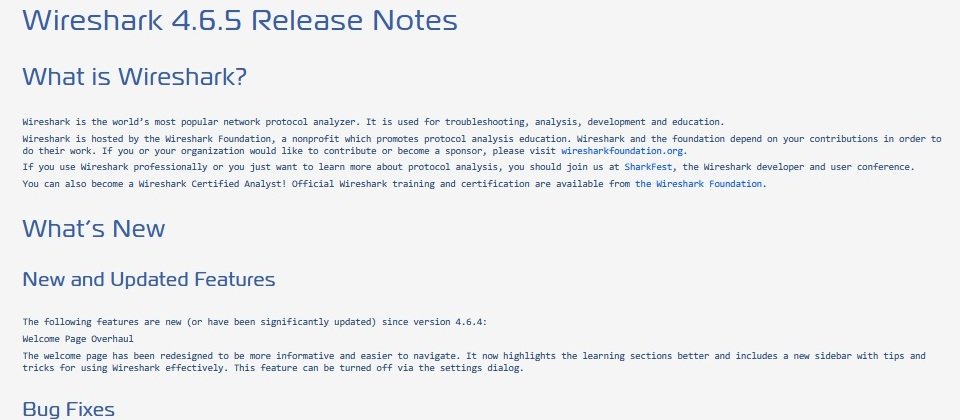
The spread is broad, not concentrated in one module. Critical protocols like TLS, RDP, SBC, and profile import paths tie to code execution paths (CVE-2026-5402, 5403, 5405, 5656), while looping issues show up in SMB2, TLS, MBIM, and OpenFlow (CVE-2026-5407, 6528, 6519, 6521).
At the same time, more than 20 dissectors carry crash-level bugs (CVE-2026-5299 through CVE-2026-6870), and the decompression layer underneath, via zlib and LZ77 (CVE-2026-6535, CVE-2026-6533), adds another failure path that doesn’t care which protocol triggered it, only that compressed data passed through.
The Role of AI in Security Research
The Wireshark team pointed out that AI-assisted reporting helped surface many of these issues. That tracks with what we’re seeing elsewhere, wide sweeps across similar code paths instead of one-off bug hunting.
It speeds up discovery, but it also changes expectations. When entire classes of parsing logic get scanned together, you don’t just fix a bug, you uncover families of them, which is likely why this release looks dense rather than incremental.
Practical Remediation Steps for Linux Administrators
Start with version verification. It sounds basic, but older nodes tend to linger in capture pipelines longer than expected.
Run wireshark --version and confirm where you stand. Then update using your package manager, apt for Debian or Ubuntu, dnf for RHEL, CentOS, or Fedora, keeping it targeted so you’re not pulling unrelated upgrades into sensitive environments unless planned.
Privilege handling is the next pressure point. Running Wireshark as root is still common in rushed setups, but it widens the outcome of any successful exploit. Use the Wireshark group instead with usermod -aG wireshark $USER and apply it with newgrp wireshark, which doesn’t remove risk but trims impact.
Finally, keep an eye on capture pipelines. Not everything fails loudly. Infinite loops and partial crashes can quietly degrade visibility, and in a SOC context, that’s often worse than a hard failure because nothing alerts you until gaps show up somewhere downstream.
If you’re tracking issues like this, Linux security newsletters are a great way to keep them on your radar.
 PREVIOUS
 NEXT
NEXT

Powered By

Linux Security - Your source for Top Linux News, Advisories, HOWTOs and Feature Releases
QUICK LINKS
subscribe to newsletters!
Like staying secure? So do we.
Sign up for updates, tips, and alerts!