


Stay Ahead With Linux Security HOWTOs
How to Learn Tips and Tricks security framework process monitoring
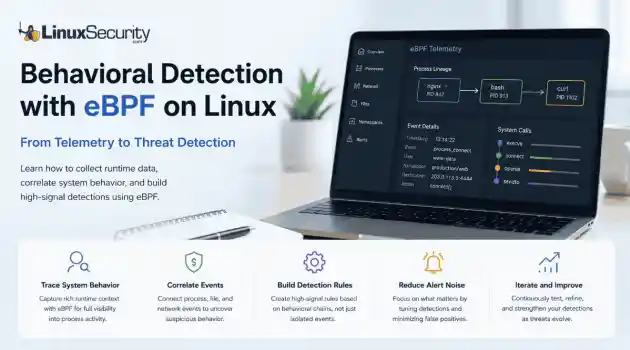
security framework process monitoring Building effective behavioral detections starts with understanding how processes behave at runtime, rather than simply collecting more logs. eBPF gives Linux security teams the visibility needed to correlate those behaviors into meaningful detections, moving away from static signatures and toward real-time analysis. . The first surprise for most people coming from auditd or legacy log collectors is how much context suddenly becomes available. Instead of just seeing that a shell executed, you...
 Jul 01, 2026
How to Learn Tips and Tricksincident response linux
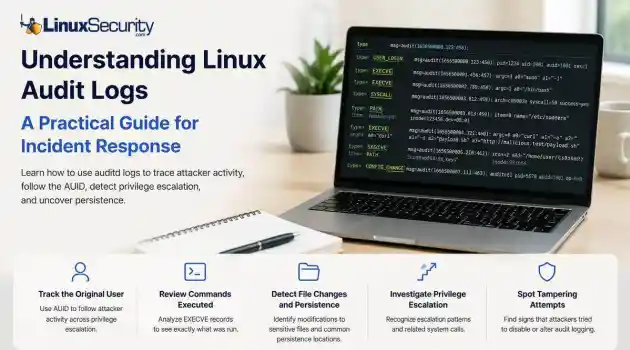
incident response linux When a security alert fires, the panic often sets in before the analysis. Many administrators instinctively reach for /var/log/auth.log or journalctl , but those logs tell only a partial story. They document successful logins and authentication attempts, but they rarely capture the granular "how" of a post-compromise environment. To truly reconstruct an attack, you need to master audit logs . Unlike standard authentication logs, Linux audit logs (managed by auditd ) record system-level...
Jun 29, 2026
How to Harden My Filesystemaccess control SELinux
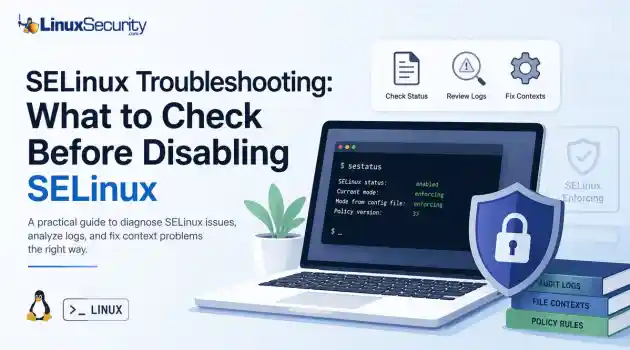
access control SELinux SELinux troubleshooting is a necessary skill for any system administrator. When a service fails despite correct file permissions and ownership, the immediate instinct is often to disable SELinux to confirm if the security policy is the bottleneck. While turning off enforcement frequently "fixes" the immediate symptom, it hides the underlying configuration flaw—such as an incorrect context or a policy violation—that could leave your system exposed. This guide outlines a systematic approach to...
Jun 25, 2026
How to Secure My Networkincident response open-source
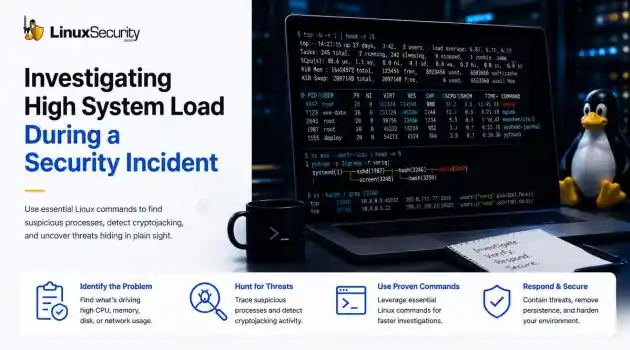
incident response open-source When a production server spikes at 99% CPU or the disk starts grinding, the knee-jerk reaction is usually to blame a bad code push or a runaway backup job. But if you’ve spent enough time in security incident response, you know that "performance issues" are often the first sign that you’re dealing with Linux malware. . If you don't have a systematic way to look past the performance graphs, you’re just guessing. Here is how you use Linux commands to peel back the layers when a system starts...
Jun 23, 2026
How to Secure My Networknetwork security Linux administration
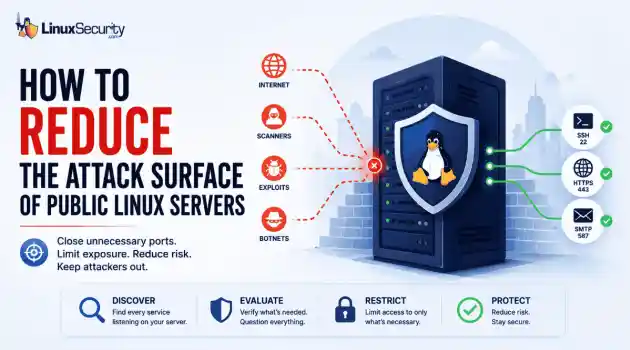
network security Linux administration Open ports have a way of accumulating over time. A test environment gets deployed and never removed. An administrative interface is exposed for troubleshooting and left in place. A database that was supposed to listen internally ends up reachable from the internet. . Attackers look for these mistakes constantly. Redis, Elasticsearch, MongoDB, Jenkins, and similar services still show up on internet-facing systems where they were never meant to be exposed. Sometimes it's a temporary change that...
Jun 10, 2026
 Refine HOWTOs
X Clear Filters
Get the latest News and Insights
Get the latest Linux and open source security news straight to your inbox.
Community Poll
Can sandbox isolation stop malware?
Loading...

Explore Latest Linux Security HOWTOs
We found -4 articles for you...
166
 service managementsystemdsystemctl
Managing Systemd Services: Your Guide to Systemctl Command Usage
Your Linux computer relies on a lot of background tasks called services or daemons. On systemd-based distributions you have built-in commands that let you see which services are running, disabled, or failed. . Services and daemons are background tasks that run without a user interface, don’t require human interaction, and are usually started as the computer boots up. At one time, services were launched by init , which was the very first process to be launched. The details of the services were held in a collection of scripts located in the “/etc/init/d” directory. On non-systemd distributions that’s still the case. The link for this article located at How-To Geek is no longer available. . Gain insight into administrating and enumerating services on systemd-powered Linux distributions through the proficient use of systemctl commands.. Service Management,Systemctl Commands,Daemon Administration,Linux Systemd,Background Tasks. . Brittany Day
 Oct 24, 2022
•
Oct 24, 2022
• How to Learn Tips and Tricks

Get the latest News and Insights
Get the latest Linux and open source security news straight to your inbox.
Community Poll
Can sandbox isolation stop malware?
Search Topics
Powered By

Linux Security - Your source for Top Linux News, Advisories, HOWTOs and Feature Releases
QUICK LINKS
subscribe to newsletters!
Like staying secure? So do we.
Sign up for updates, tips, and alerts!
Discover faster search, smarter navigation, and deeper Linux security insights. Read More