


Stay Ahead With Linux Security HOWTOs
How to Harden My Filesystem access control SELinux
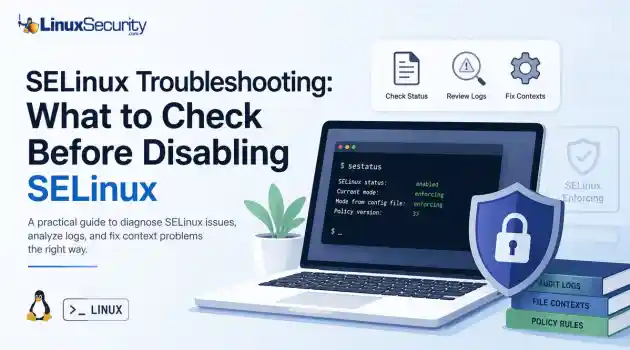
access control SELinux SELinux troubleshooting is a necessary skill for any system administrator. When a service fails despite correct file permissions and ownership, the immediate instinct is often to disable SELinux to confirm if the security policy is the bottleneck. While turning off enforcement frequently "fixes" the immediate symptom, it hides the underlying configuration flaw—such as an incorrect context or a policy violation—that could leave your system exposed. This guide outlines a systematic approach to...
 Jun 25, 2026
How to Secure My Networkincident response open-source
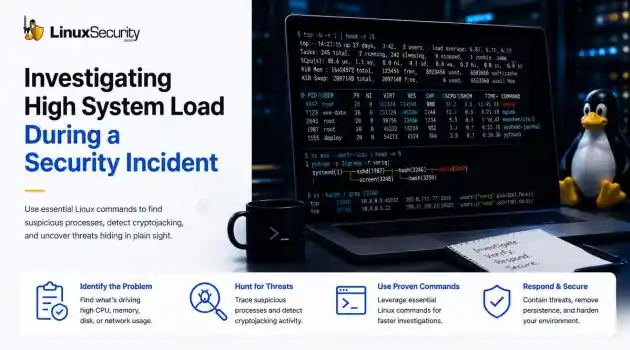
incident response open-source When a production server spikes at 99% CPU or the disk starts grinding, the knee-jerk reaction is usually to blame a bad code push or a runaway backup job. But if you’ve spent enough time in security incident response, you know that "performance issues" are often the first sign that you’re dealing with Linux malware. . If you don't have a systematic way to look past the performance graphs, you’re just guessing. Here is how you use Linux commands to peel back the layers when a system starts...
Jun 23, 2026
How to Secure My Networknetwork security Linux administration
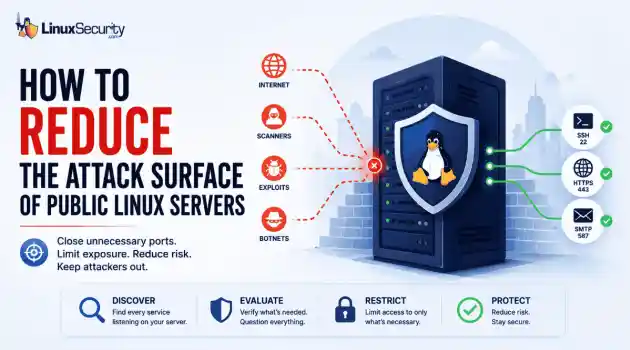
network security Linux administration Open ports have a way of accumulating over time. A test environment gets deployed and never removed. An administrative interface is exposed for troubleshooting and left in place. A database that was supposed to listen internally ends up reachable from the internet. . Attackers look for these mistakes constantly. Redis, Elasticsearch, MongoDB, Jenkins, and similar services still show up on internet-facing systems where they were never meant to be exposed. Sometimes it's a temporary change that...
Jun 10, 2026
How to Secure My Networksecurity advisory intrusion detection
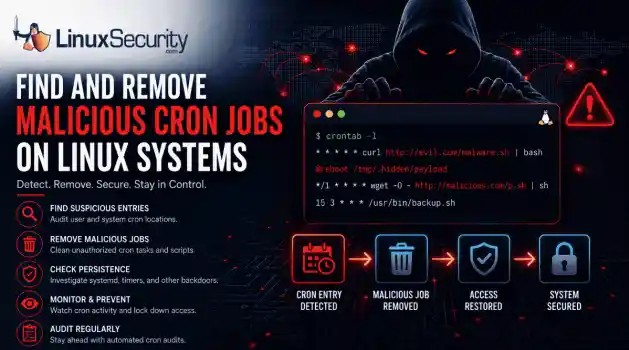
security advisory intrusion detection A compromised Linux server can continue running malware long after the initial intrusion. One of the most common persistence techniques is a malicious cron job that silently downloads payloads, restarts malware, or re-establishes attacker access every few minutes. This guide shows how to identify suspicious cron entries, preserve forensic evidence, remove unauthorized scheduled tasks, and verify that no additional persistence mechanisms remain. . What Should You Save Before Removing Cron Jobs...
Jun 09, 2026

How to Secure My Networkaccess control Linux administration
access control Linux administration Most SSH hardening advice ends at the same recommendation: Disable password authentication and use SSH keys. . That's good advice. It removes entire classes of attacks, including password spraying, credential stuffing, and brute-force attempts against exposed servers. The problem is what happens next. Many administrators treat SSH keys as the finish line when they are really the beginning of the hardening process. Attackers rarely care whether they obtained access with a password or a private...
Jun 05, 2026
 Refine HOWTOs
X Clear Filters
Get the latest News and Insights
Get the latest Linux and open source security news straight to your inbox.
Community Poll
Does sandboxing completely stop hackers?
Loading...

Explore Latest Linux Security HOWTOs
We found -4 articles for you...
166
 security risksuser permissionsadministrative access
How To Use Sudo Command For User Permissions Management
Ever tried to execute a command on your Linux system and received a “Permission Denied” error? The simplest solution to counter this error is using the “sudo” command. . In this article, we will delve deep into the world of sudo and explore its functionality to overcome the notorious “Permission Denied” error in Linux. We will learn how to use the sudo command in Linux along with some examples here. Now that you know that the root user holds the complete administrative rights of the Linux system, you may be wondering if you can grant administrative rights to all users. Well, this could lead to a complete disaster leading to various security risks in the system. This is where the sudo command in Linux comes into play. sudo stands for “Superuser do” and allows system administrators to grant specific permissions to various system users, allowing them to run only specific administrative tasks. Thus, it offers a much more precise and controlled approach to user privilege management. . The sudo command in Linux empowers users to execute commands with elevated privileges, crucial for effective user permission management and system security. Sudo Command, User Privileges, Administrative Access, Linux Security. . Brittany Day
 Jun 20, 2023
•
Jun 20, 2023
• How to Learn Tips and Tricks

Get the latest News and Insights
Get the latest Linux and open source security news straight to your inbox.
Community Poll
Does sandboxing completely stop hackers?
Search Topics
Powered By

Linux Security - Your source for Top Linux News, Advisories, HOWTOs and Feature Releases
QUICK LINKS
subscribe to newsletters!
Like staying secure? So do we.
Sign up for updates, tips, and alerts!
Discover faster search, smarter navigation, and deeper Linux security insights. Read More