


Security Vulnerabilities  security advisory critical
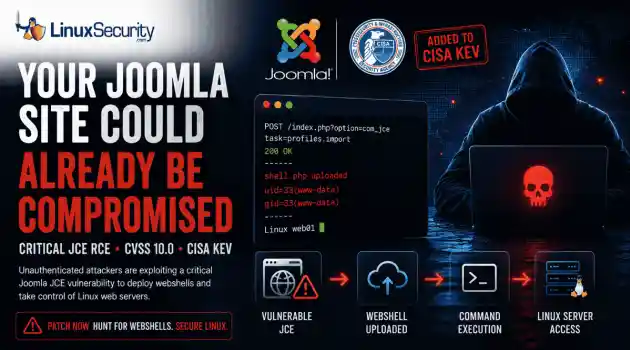
security advisory critical The Joomla Content Editor (JCE), one of the most widely deployed editor extensions for Joomla websites, is currently under active attack due to a critical vulnerability. . The issue, tracked as CVE-2026-48907 , affects JCE versions earlier than 2.9.99.5 and carries a CVSS score of 10.0. Because JCE is installed on a large number of public-facing Joomla sites, the vulnerability has quickly become a high-priority target for attackers and automated scanning campaigns. CISA has added the flaw to...
 Jun 17, 2026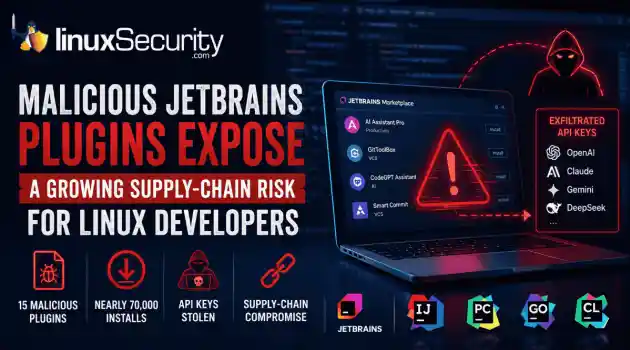
Security Trends security advisory open-source
security advisory open-source At least 15 malicious plugins and nearly 70,000 installs later, developers are being reminded that trusted marketplaces can become supply-chain attack vectors overnight. . How Malicious Plugins Steal API Credentials It’s simple. The user installs a plugin. It asks for API credentials. The developer clicks "Apply." A short time later, those keys could be sent to a third-party server. Think of an API key like a valet key to your house. It doesn't give them the deed to the property, but it lets...
Jun 17, 2026 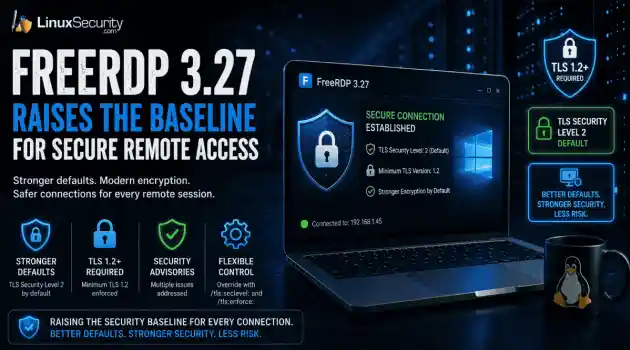
Security Projectssecurity advisory security update
security advisory security update Remote access tools do not need dramatic new features to improve security. Sometimes the more useful change is quieter, like stronger defaults that make weak encryption harder to use by accident. . What FreeRDP Is and Why This Release Matters FreeRDP is an open-source implementation of Microsoft’s Remote Desktop Protocol, used as both a library and a set of clients across Linux, Windows, macOS, Android, and other systems. In Linux environments, it is often the practical RDP client...
Jun 16, 2026 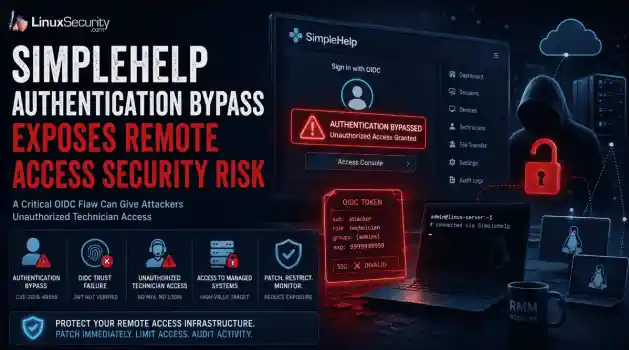
Security Vulnerabilities security advisory remote access
security advisory remote access Remote support platforms sit close to the systems attackers want most: administrator workflows, technician accounts, and managed endpoints. That is why the SimpleHelp OIDC flaw is more serious than a routine authentication bypass vulnerability. For organizations running these platforms on Linux-based infrastructure, the risk is compounded by the ease with which these services are deployed and integrated into larger management stacks. . What Is SimpleHelp and Why Is It a High-Value Target?...
Jun 16, 2026 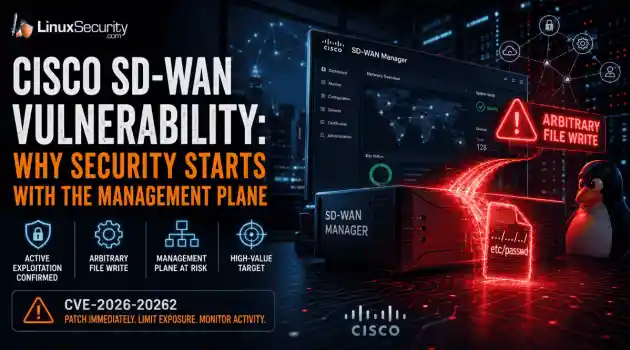
Network Securitysecurity advisory critical
security advisory critical For those of us who live and breathe Linux and open-source infrastructure, the "management plane" is usually just a collection of familiar tools—SSH, APIs, and centralized orchestration. But in the world of proprietary enterprise networking, the management plane is often a black box. Cisco’s latest SD-WAN issue serves as a stark reminder that even when these proprietary systems rely on Linux components under the hood, their centralized nature makes them the ultimate high-value target.....
Jun 16, 2026  Refine news
X Clear Filters Get the latest News and Insights
Get the latest Linux and open source security news straight to your inbox.
Community Poll
What got you started with Linux?
Loading...

Explore Latest Linux Security news
We found -4 articles for you...
210
 security advisorylocal privilege escalationlinux administration
GRUB LPE Threat: Mitigation Strategies for Linux Admins
In the ever-evolving cybersecurity landscape, a new concern has come to light for Linux admins—a claimed zero-day vulnerability for Local Privilege Escalation (LPE) in Linux systems through the GRUB bootloader . This new threat underscores the perpetual cat-and-mouse game between threat actors and the open-source community. . Let's examine the flaw, its impact, and practical strategies for protecting against it to help you understand this threat and the measures you can take to secure your systems against it. Understanding This Vulnerability The GRand Unified Bootloader (GRUB) is an integral component of Linux systems responsible for loading kernel modules and booting the operating system. If GRUB contains undocumented vulnerabilities that allow attackers to gain unauthorized access, like the zero-day recently identified, malicious actors could leverage them to escalate privileges on compromised machines, potentially taking full control of the system without prior authorization. Exploitation of this LPE vulnerability involves manipulating the boot process. Attackers could insert malicious code or modify existing bootloader entries to gain elevated privileges during system startup. Given its high privilege status as one of the initial software services to run on any machine, the potential scope for exploitation of GRUB flaws is significant. This bug impacts GRUB versions 1.98 to 2.02. This is far from the first time GRUB has been targeted. In 2015, CVE-2015-8370 was discovered and fixed, which allowed attackers to bypass authentication by pressing the backspace key 28 times at the GRUB username prompt. Then in 2020, the notorious BootHole flaw ( CVE-2020-10713 ), which could be exploited to install malware during the boot process, was identified and mitigated. What Are the Security Implications for Linux Admins? The security implications of this issue are substantial, including but not limited to: Data Theft: Access to sensitive information and intellectualproperty. System Damage: Potential for wide-reaching damage to system integrity and operations. Persistent Access: Ability to establish a foothold on the system for ongoing exploitation. Lateral Movement: Compromising additional systems within the network from the initial foothold. Compliance Concerns: Violating regulatory requirements by failing to protect against known vulnerabilities. Practical Mitigation Advice for Linux Admins While fixes for this bug have not yet been released, there are several steps that Linux admins can take to mitigate the threat posed by this and similar vulnerabilities: Set Up a GRUB Password: Bypass the security risks caused by unauthenticated users editing boot entries or entering single-user mode with an effective password-protected GRUB menu, as well as safeguarding /etc/grub.d/00_header file to set a secure configuration file GRUB is more difficult for others to gain entry to and edit than before. Secure the GRUB Configuration File: Set the correct file permissions on /boot/grub/grub.cfg to prevent unauthorized modifications of its content. Typically, permissions should be set so that root can read them only (chmod 400 or 0400). Use Full Disk Encryption (FDE): Implementing FDE can prevent attackers from accessing or altering files on the disk, including those associated with the GRUB configuration. Utilize United Extensible Firmware Interface Secure Boot: Secure Boot ensures that only signed bootloaders and kernels approved by the platform owner can be executed, helping prevent the execution of an infected GRUB bootloader. Use Integrity Monitoring Tools (TPMs): These tools should be employed to safeguard bootloader integrity. Integrity-checking mechanisms like Grub-verify can help detect unapproved changes. Restrict Boot Options: Reduce available boot options in GRUB to essential ones, eliminating extraneous options that could weaken boot-time security. Physically Secure Machines: Physicallysecure machines, as attackers with local access could use bootable devices or tools to bypass bootloader security. Back Up the GRUB Configurations Files Regularly: In case of an attack, this will allow for faster restoration and analysis of any changes introduced by threat actors. Monitoring & Auditing: Monitor GRUB logs, audit any modifications to bootloader configuration, and enable auditing for access or alterations of these changes. Restrict Permissions: To prevent any possible tampering with the Grub.cfg file generated in /etc/grub.d/ , its scripts should have restricted permissions and should be owned by root to ensure maximum protection from potential compromise. Use Security Modules: Security modules, like GRUB's own password_pbkdf2 feature, can encrypt passwords within GRUB configuration files. Restrict Recovery Mode: To avoid unauthorized access to recovery options, disable or password-protect recovery mode entry in GRUB to prevent access. Stay Informed: Keep up-to-date with security advisories released by your Linux distribution. Regularly check resources like the CVE database and security mailing lists. Regular Updates: Apply system updates promptly. This includes updates to the bootloader, kernel, and all system packages. To maintain integrity during the update process, use trusted repositories and signatures when updating GRUB. Focusing on these GRUB-specific strategies can significantly decrease the odds of successfully exploiting the bootloader and help uphold system integrity. If new security patches become available that address specific vulnerabilities in GRUB, implement them quickly while adhering to best practices for ongoing security management of this crucial software component. Our Final Thoughts: What Can We Learn From This Discovery? Security in open-source software is community-driven. While a zero-day vulnerability in GRUB poses a severe threat to system integrity, its discovery should serve as a wake-up callfor administrators who must strengthen their defenses against such exploits. As part of its response plan, the Linux ecosystem must collaborate in analyzing, patching, and communicating any vulnerabilities like these to ensure its resilience against further attacks. Diligence is critical in cybersecurity. A combination of proactive measures, community cooperation, and robust policies can help protect Linux systems against current and potential future exploits. . Assess the recent zero-day local privilege escalation (LPE) vulnerability found in GRUB and explore effective measures to secure your Linux environments.. Linux GRUB Threat, Privilege Escalation Linux, GRUB Vulnerability Management. . Brittany Day
 Jun 24, 2024 •
 Security Vulnerabilities
Get the latest News and Insights
Get the latest Linux and open source security news straight to your inbox.
Community Poll
What got you started with Linux?
Search Topics
Powered By

Linux Security - Your source for Top Linux News, Advisories, HOWTOs and Feature Releases
QUICK LINKS
subscribe to newsletters!
Like staying secure? So do we.
Sign up for updates, tips, and alerts!
Discover faster search, smarter navigation, and deeper Linux security insights. Read More