Explore top 10 tips to secure your open-source projects now. Read More
×


How to Install and Set Up Snort IDS on Linux (Working Alerts in 30 Minutes)
 Feb 17, 2026
•
Feb 17, 2026
•
 MaK Ulac
5 - 10 min read


Topics Covered
Outcome Checklist
This guide installs Snort as a passive intrusion detection system on Linux and verifies functionality by generating a test alert. Each step builds on the previous one. Do not skip steps. By the end of this guide:
- Snort is installed, and the version confirmed.
HOME_NETis correctly configured.- A local rule is created.
- Configuration validates without errors.
- A real test alert appears in
/var/log/snort/alert - Snort runs persistently via
systemd(optional).Identify Your OS and Network Interface
Snort installation and packet capture depend on the correct operating system packages and the correct network interface. Identify both before proceeding.
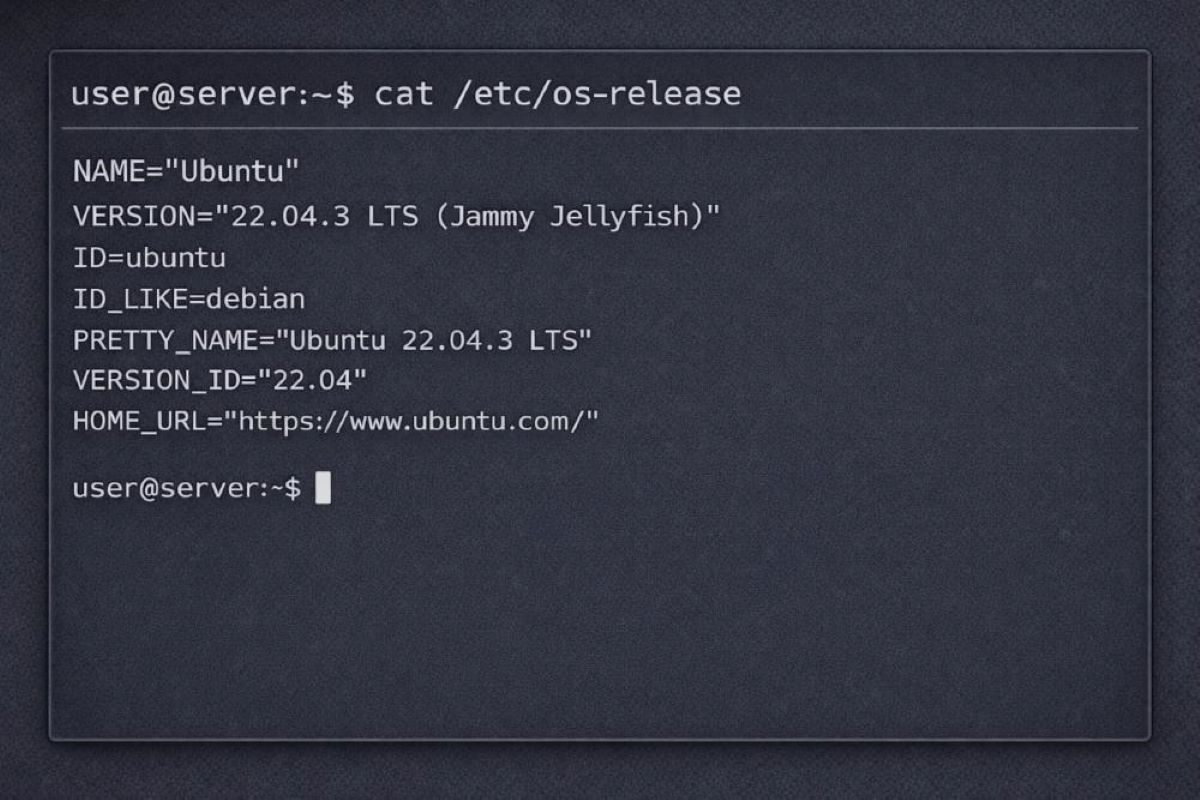
0.1 Confirm Your Linux Distribution
Run:
cat /etc/os-releaseReview the values for:
ID=ID_LIKE=
If the system is Ubuntu or Debian-based, follow the Debian-based installation section.
If the system is RHEL, Rocky, AlmaLinux, or similar, follow the RHEL-based installation section.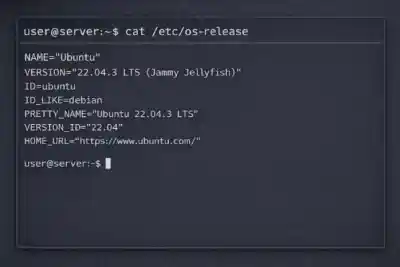
0.2 Identify the Active Network Interface
List interfaces:
ip -br linkDisplay the routing table:
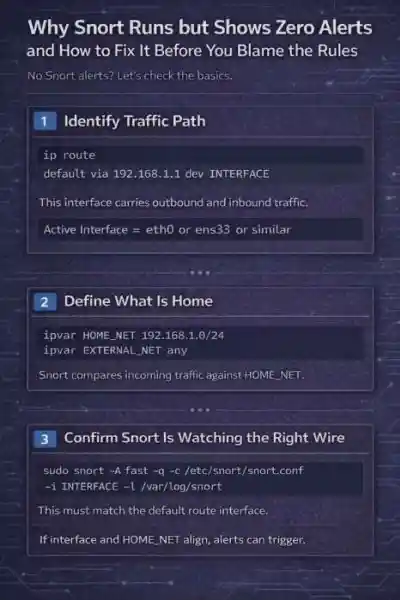
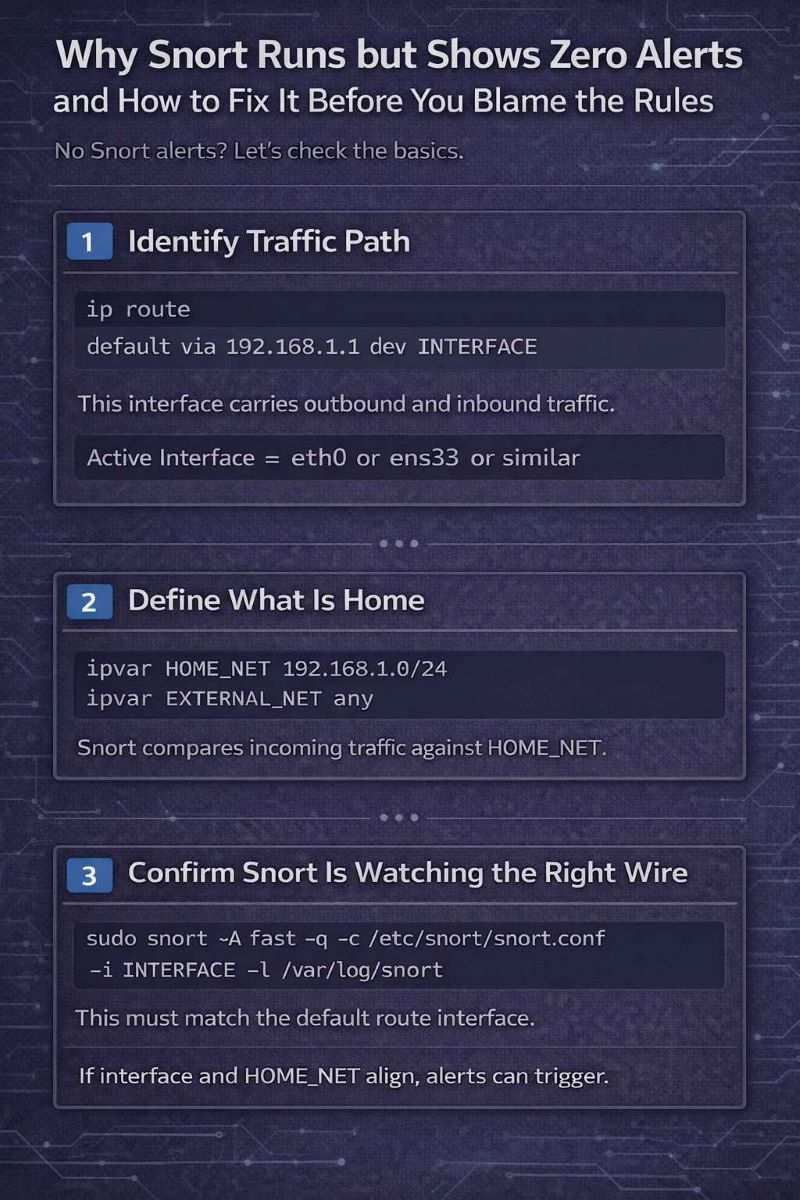
ip routeIdentify the interface associated with the default route. Example:
default via 192.168.1.1 dev eth0In this case,
eth0is the interface that must be used with Snort. If the wrong interface is specified during execution, Snort will not capture relevant traffic.0.3 Baseline System Note
Snort depends on a stable and properly maintained Linux host. Confirm the system is updated and hardened before installation using a standard verification process, such as this guide on verifying Linux server security.
Step 1: Install Snort
On Linux, package installs are predictable when repositories are correctly configured and the system is current. If dependencies fail or the binary does not register, the issue is usually repository state rather than Snort itself.
Install using your distribution’s native package manager.
Ubuntu / Debian
Refresh package metadata:
sudo apt-get updateInstall Snort and default rule packages:
sudo apt-get install -y snort snort-common snort-rules-defaultDuring installation, you may be prompted for network configuration values. These can be adjusted later in
snort.conf.Confirm the binary is present and executable:
snort -Vwhich snortsnort -Vmust return version information.which snortmust return the binary path, typically/usr/sbin/snort.If the version does not print, resolve package errors before continuing.
RHEL / Rocky / AlmaLinux
Update repositories:
sudo dnf -y updateInstall Snort:
sudo dnf -y install snortVerify the installation:
snort -Vwhich snortsnort -Vmust return version information.
which snortmust return the binary path.If the version does not print, resolve repository or package issues before proceeding.
Some RHEL-based repositories install the Snort engine without bundled rule sets. This guide uses a manually created
local.rulesfile, so additional rule downloads are not required for validation.For source-based installations or advanced deployment scenarios, refer to the official Snort installation documentation at the Snort installation guide.
Step 2: Verify Snort Version (Snort 2 vs 3 Awareness)
At this point, the package should be installed and the binary available in your path. Confirm the engine starts and reports a version.
snort -VThe command must return version information and exit cleanly. That confirms the binary executes and the required libraries are present.
This guide is written for standard Snort 2.9.x package installations that use
snort.conf. There is no version comparison here. You only need to confirm that Snort runs without error.If the command fails, resolve that before touching configuration files.
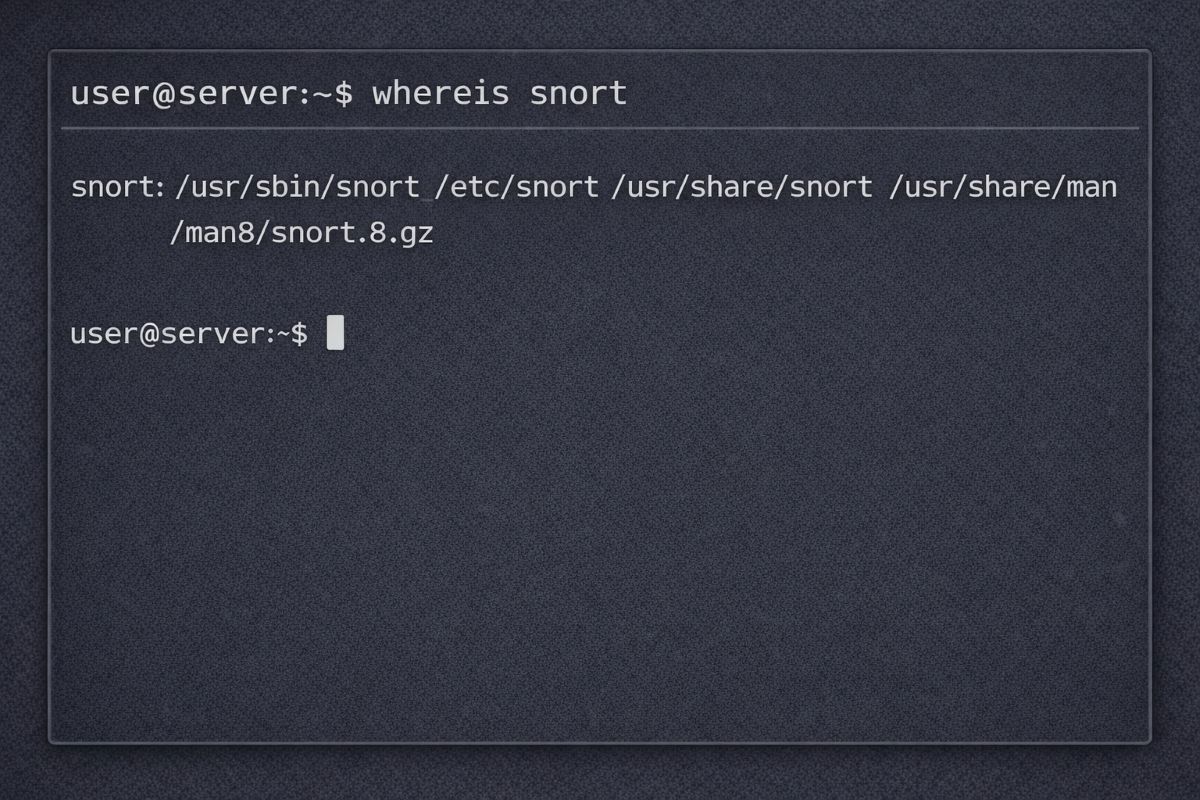
Step 3: Confirm Important Snort Paths
Linux packages do not always place files in identical locations across distributions. Before editing anything, confirm where your system installed Snort components.
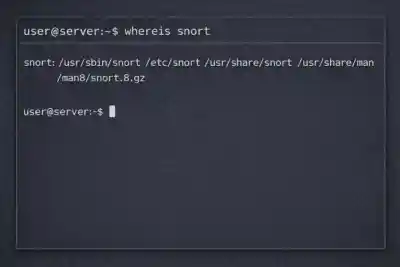
Run:
whereis snortReview the output carefully.
From this, identify:
-
Snort binary path
Typically/usr/sbin/snort. This is the executable used in manual runs andsystemd. -
Configuration file location (
snort.conf)
Often under/etc/snort/. This is the primary configuration file you will edit. -
Rules directory
Commonly/etc/snort/rules/. This is wherelocal.ruleswill reside. -
Log directory
Frequently/var/log/snort/. This is where alert output will be written.
Do not assume default paths. Confirm them on your system before proceeding to configuration changes.
Step 4: Prepare Required Directories and Permissions
Snort writes logs, tracks state, and loads local rules from specific directories. Package installs usually create these, but verify them explicitly on your system.
Create required directories if they do not exist:
sudo mkdir -p /etc/snort/rulessudo mkdir -p /var/log/snortsudo mkdir -p /var/lib/snortCreate a dedicated service account if it is missing:
id snort 2>/dev/null || sudo useradd -r -s /usr/sbin/nologin -d /var/lib/snort snortSet ownership and restrict access:
sudo chown -R snort:snort /var/log/snort /var/lib/snortsudo chmod 750 /var/log/snort /var/lib/snortCreate the local rules file:
sudo touch /etc/snort/rules/local.rulessudo chmod 640 /etc/snort/rules/local.rulesSnort must have write access to its log directory or alerts will not be generated. Running the process as a dedicated service user prevents permanent root execution and limits system exposure.
Confirm ownership before continuing.
Step 5: Configure
snort.confSnort operates here as a passive intrusion detection system and requires minimal configuration changes to begin monitoring traffic.
Locate the configuration file:
sudo find /etc -maxdepth 4 -iname "snort.conf"Edit the file:
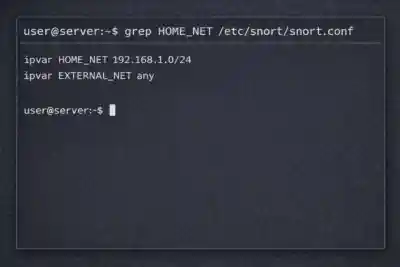
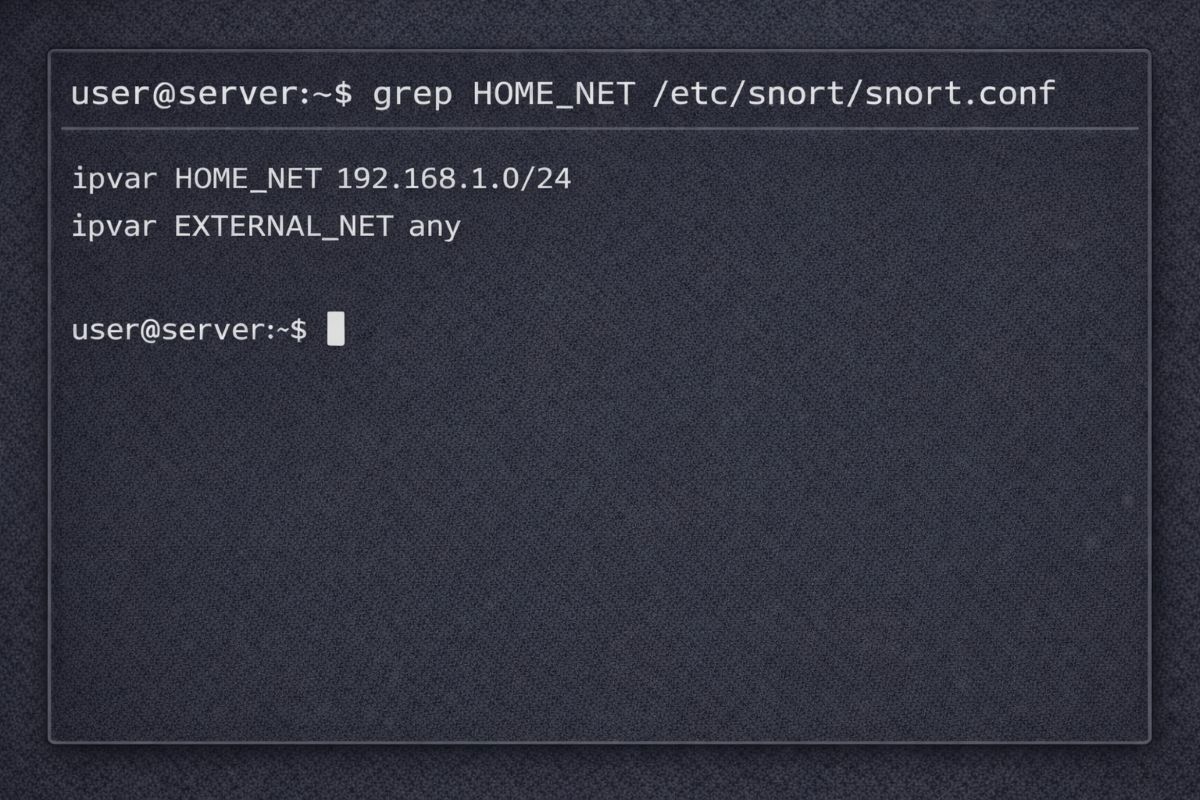
sudo nano /etc/snort/snort.confEnsure these lines are present and correctly defined:
ipvar HOME_NET 192.168.1.0/24 ipvar EXTERNAL_NET any var RULE_PATH /etc/snort/rules include $RULE_PATH/local.rulesHOME_NETmust match your actual subnet. Replace 192.168.1.0/24 with your network range if different.If this system has a single public IP address, define
HOME_NETusing that IP with a /32 mask.Do not modify preprocessors. Do not enable inline mode.
Step 6: Add a Local Test Rule
At this stage Snort is installed and configured, but it has no custom logic tied to your environment. Add a controlled rule to confirm detection works.
Edit the local rules file:
sudo nano /etc/snort/rules/local.rulesAdd the following line:
alert icmp any any -> $HOME_NET any (msg:"SNORT TEST - ICMP ping detected"; itype:8; sid:1000001; rev:1;)
This rule generates an alert when an ICMP echo request enters HOME_NET. It is intentionally simple and designed for validation, not production monitoring.
The sid value must be unique within your rule set. Do not reuse existing IDs.
Rule structure, keywords, and deeper detection logic are covered separately in this guide on network intrusion detection using Snort.
Save the file before moving to validation.
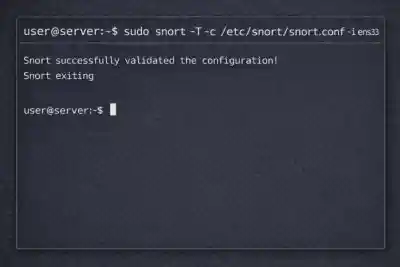
Step 7: Validate Configuration (Mandatory)
Before running Snort live, test the configuration. This prevents runtime failures caused by syntax errors or missing includes.
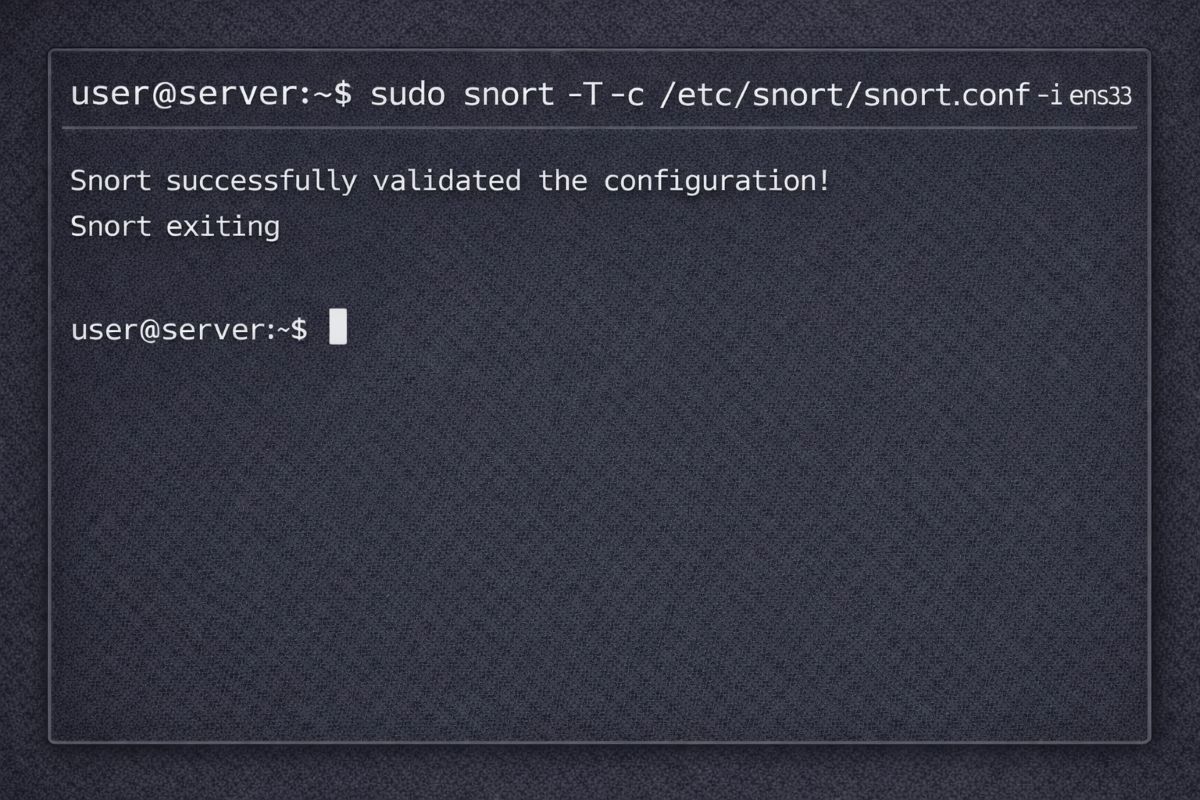
Run:
sudo snort -T -c /etc/snort/snort.conf -i INTERFACEReplace INTERFACE with your active network interface identified earlier.
This command performs a configuration test only. It does not start packet inspection.
If successful, you will see a message indicating configuration validation completed.
Common validation failures:
- Incorrect RULE_PATH
- Missing include $RULE_PATH/local.rules
- HOME_NET does not match your subnet
- Permission errors on rule or log directories
Resolve any errors before proceeding. Snort should exit cleanly with no fatal messages.
Step 8: Run Snort and Generate a Real Alert
Start Snort in console mode with fast alert output:
sudo snort -A fast -q -c /etc/snort/snort.conf -i INTERFACE -l /var/log/snortReplace INTERFACE with your active NIC.
From another host on the network, send ICMP traffic to the Snort sensor:
ping -c 3 TARGET_IPReplace TARGET_IP with the IP address of the Snort system.
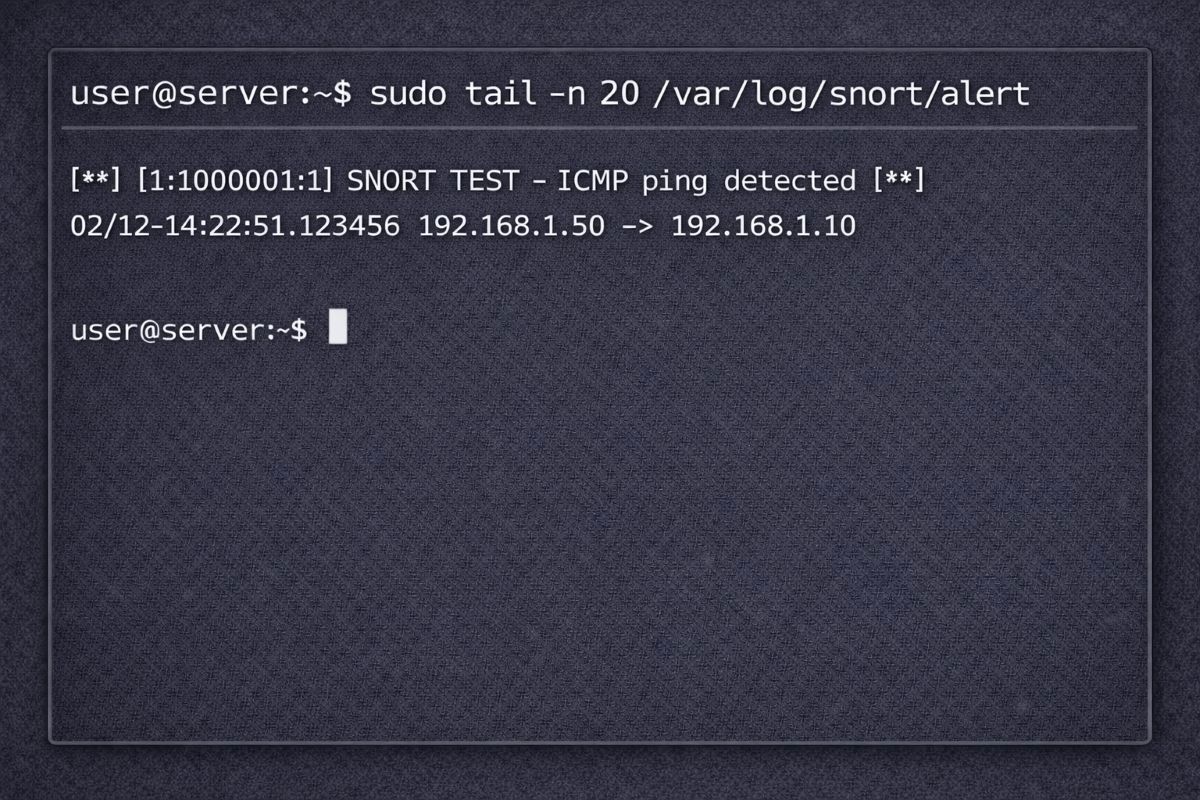
In a separate terminal, verify log output:
sudo ls -la /var/log/snortsudo tail -n 20 /var/log/snort/alertYou should see an entry containing SNORT TEST - ICMP ping detected.
If no alert appears, check the following:
- Wrong interface specified during startup
- HOME_NET does not match the monitored subnet
- local.rules not properly included in snort.conf
Once the
/var/log/snort/alertfile exists and contains entries, alert forwarding to syslog or external dashboards can be configured separately as described in this guide on real-time alerting with Snort.Note: If testing in a cloud environment, ensure ICMP is allowed in the provider firewall or security group.

Step 9: Install systemd Service for Persistence
Manual execution confirms detection works. Production systems require the service to start at boot and restart automatically if it fails.
Create the systemd unit file:
sudo tee /etc/systemd/system/snort.service >/dev/null <<'EOF'[Unit] Description=Snort IDS After=network.target [Service] Type=simple User=snort Group=snort ExecStart=/usr/sbin/snort -A fast -q -c /etc/snort/snort.conf -i INTERFACE -l /var/log/snort Restart=on-failure RestartSec=3 [Install] WantedBy=multi-user.targetEOFReplace INTERFACE with your active network interface before saving the file. The configuration path and log directory are defined using absolute paths to avoid ambiguity during service execution.
Grant the binary permission to capture packets without running as root:
sudo setcap cap_net_raw,cap_net_admin=eip /usr/sbin/snortThis allows the snort service account to open raw sockets and place the interface into promiscuous mode.
If Snort is upgraded through the package manager in the future, re-run the setcap command. Package updates can replace the binary and remove these capabilities.
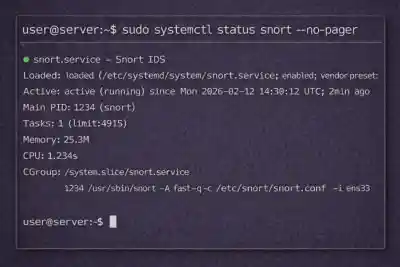
Reload systemd and enable the service:
sudo systemctl daemon-reloadsudo systemctl enable --now snortsudo systemctl status snort --no-pagerThe status output should show the service as active and running.
If the service fails to start, verify:
- Correct interface specified in ExecStart
- Configuration validated successfully with snort -T
- Proper ownership of /var/log/snort and /var/lib/snort
- Capabilities correctly applied to /usr/sbin/snort
Resolve errors before leaving the service enabled.
Step 10: Configure Log Rotation
Snort can generate significant log volume depending on traffic and rule sets. Without rotation, files in
/var/log/snort/will continue to grow and may eventually consume available disk space.Use the native Linux logrotate utility to manage retention.
Create a log rotation policy:
sudo nano /etc/logrotate.d/snortAdd the following configuration:
/var/log/snort/alert /var/log/snort/*log {
    daily
     rotate 7
     compress
     missingok
     notifempty
     create 0640 snort snort
     sharedscripts
     postrotate
         /usr/bin/systemctl reload snort > /dev/null 2>/dev/null || true
     endscript
}
This configuration:
- Rotates logs daily
- Retains seven days of history
- Compresses older logs
- Preserves correct ownership and permissions
- Reloads the Snort service after rotation
Verify logrotate configuration:
sudo logrotate -d /etc/logrotate.d/snortThe -d flag performs a dry run and reports potential issues without modifying files.
Log management should be validated periodically, especially on high-traffic sensors. Silent disk exhaustion is avoidable.
Frequently Asked Questions
Does this guide enable inline blocking?
No. This setup runs
Snortstrictly as a passive intrusion detection sensor. Inline blocking and prevention use cases are covered separately in this overview of network intrusion prevention systems.What should I do after alerts start appearing?
Installation only confirms detection works. Alert triage, escalation paths, and response handling are operational decisions covered in this guide on intrusion detection response.
How do I measure Snort performance?
Throughput testing, packet loss analysis, and tuning methodology are separate from installation and discussed in this analysis of intrusion detection systems by the numbers.
Is signature-based detection still enough?
Static rule matching works, but modern detection strategies often extend beyond traditional signatures. This guide outlines broader approaches to modernizing your intrusion detection strategy.

 PREVIOUS

 NEXT
NEXT



Powered By

Linux Security - Your source for Top Linux News, Advisories, HOWTOs and Feature Releases
QUICK LINKS
subscribe to newsletters!
Like staying secure? So do we.
Sign up for updates, tips, and alerts!